
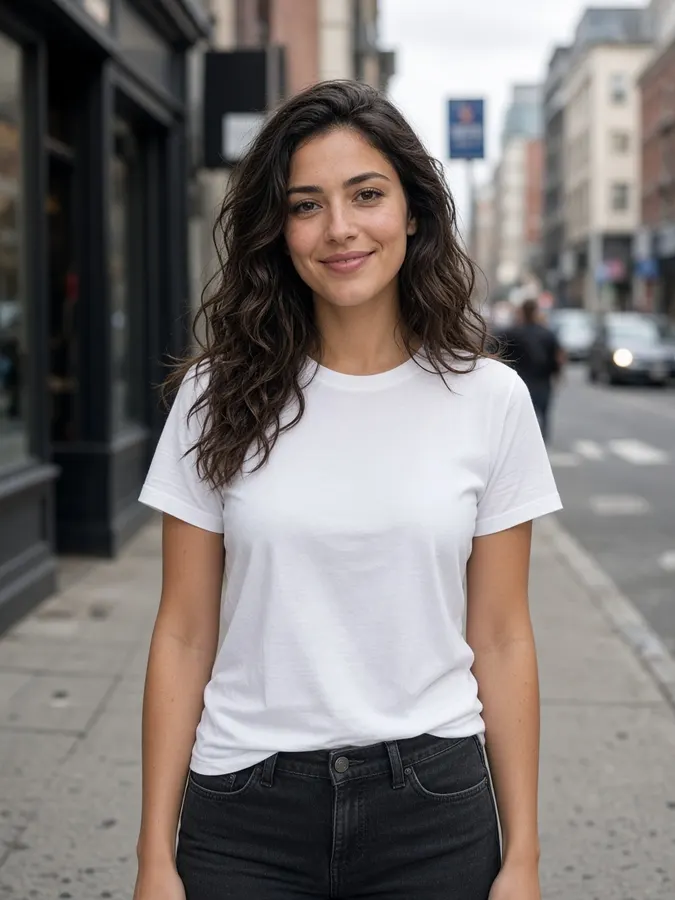
Where ideas becomecinematic stories
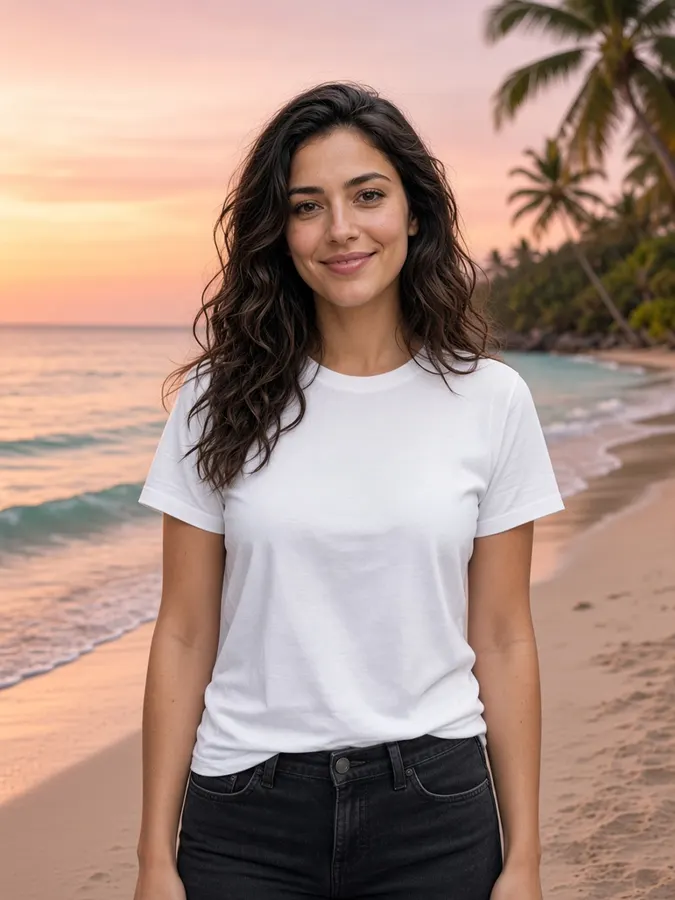
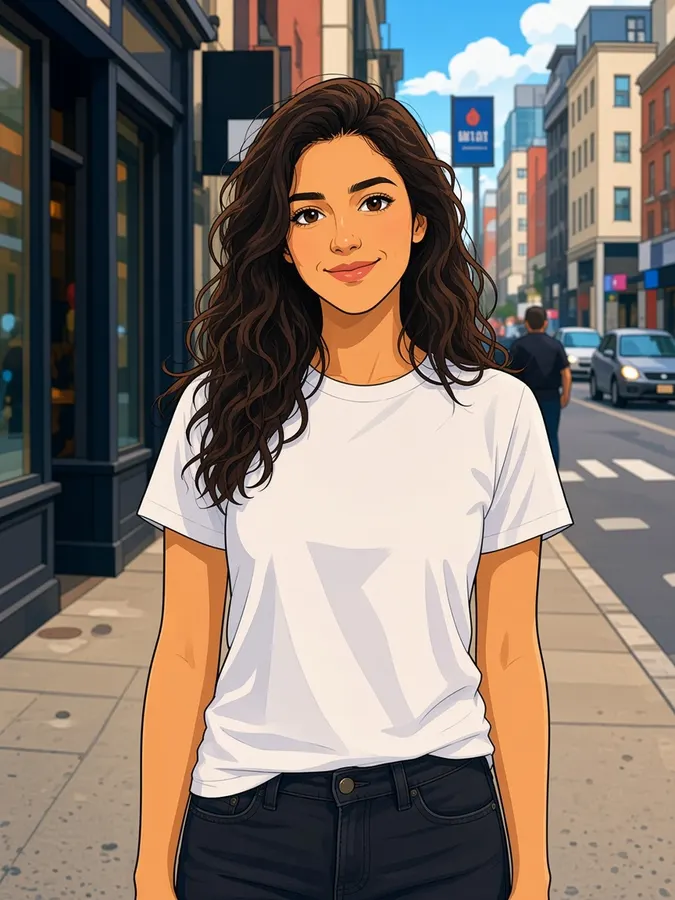

Top image and video models, all in one studio
Use cases
Make any story you can imagine
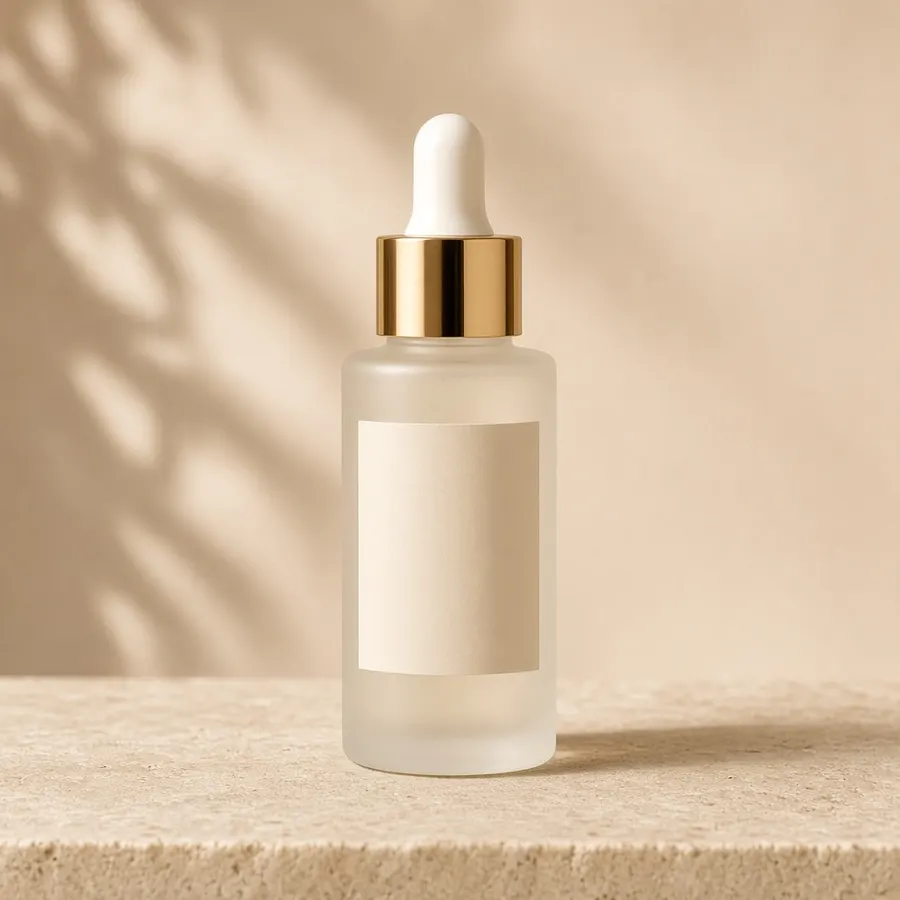
Product ads that sell themselves
Direct thisOne platform
One studio.
Infinite stories.
Your story world
Build the world behind every episode
01Start a production
Set the story, format and visual direction for the world you are building.
02Add your building blocks
Bring in reusable characters, locations and voices before you make a scene.
03Produce every episode
Keep the same world consistent while each episode gets its own story and shots.
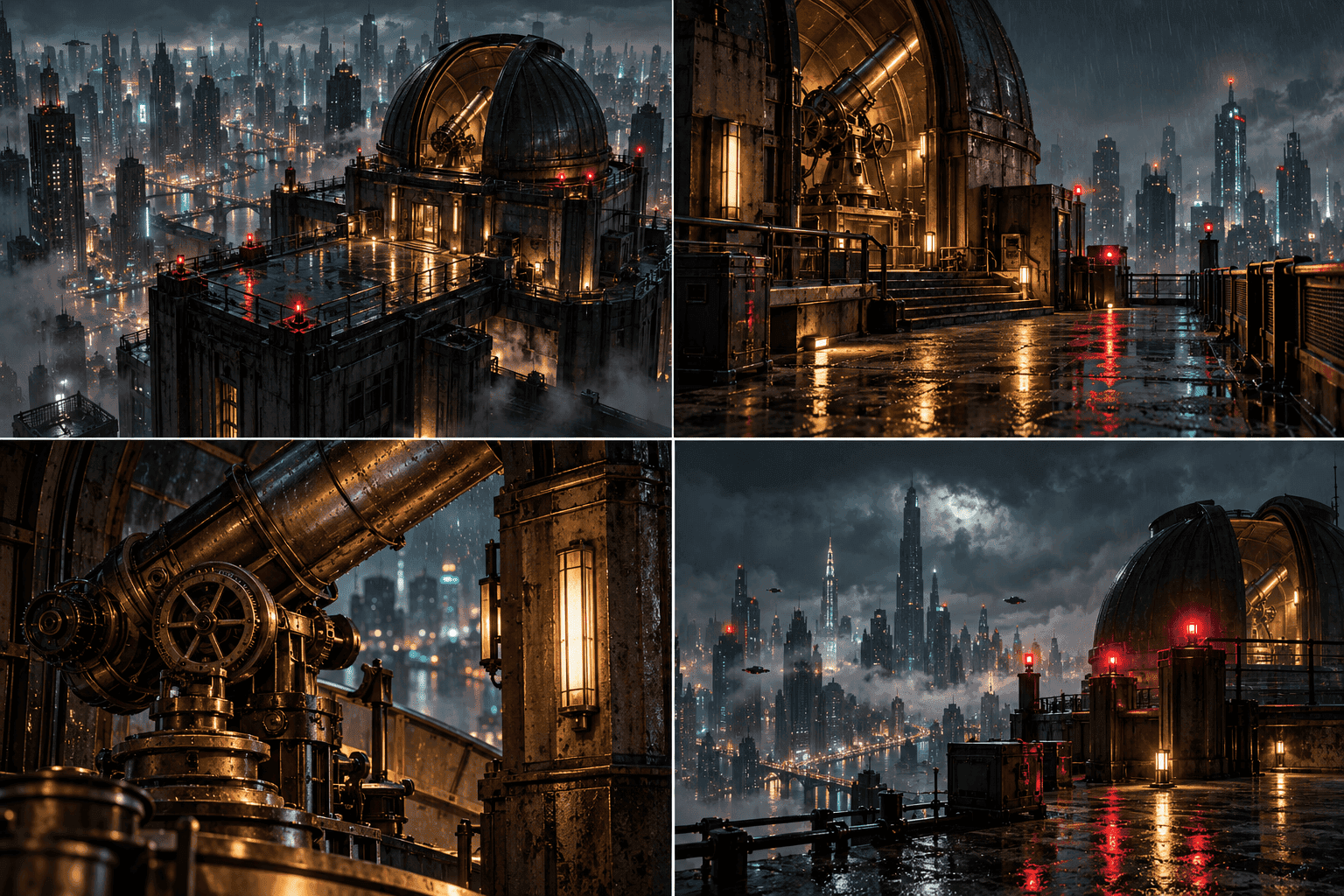
Tools
AI tools for studio-grade results
 Video
VideoAI Text to Video Generator
Describe a scene, get a cinematic clip
Explore tool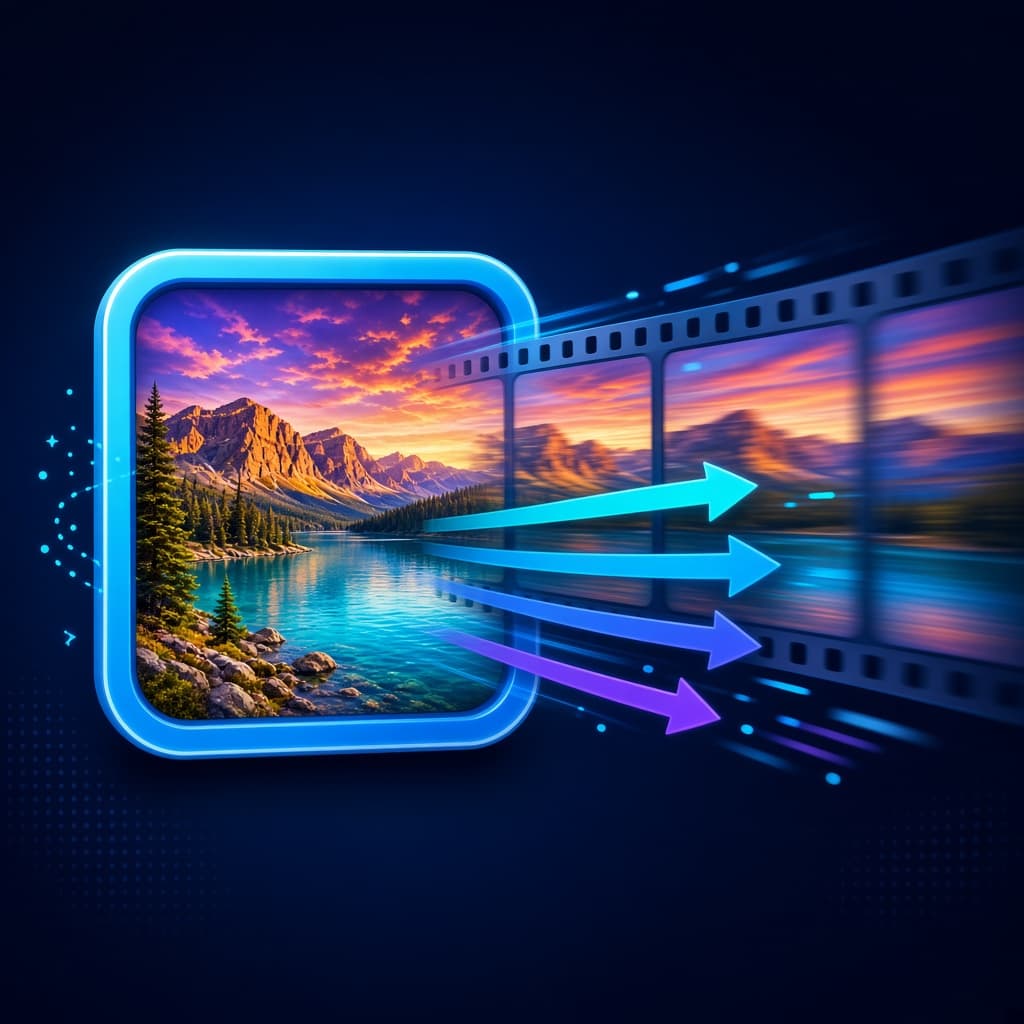 Video
VideoImage to Video AI
Bring a still image to life
Explore tool Video
VideoAI UGC Ad Generator
Creator-style ads with your product
Explore tool Image
ImageAI Image Generator
Turn a sentence into a finished image
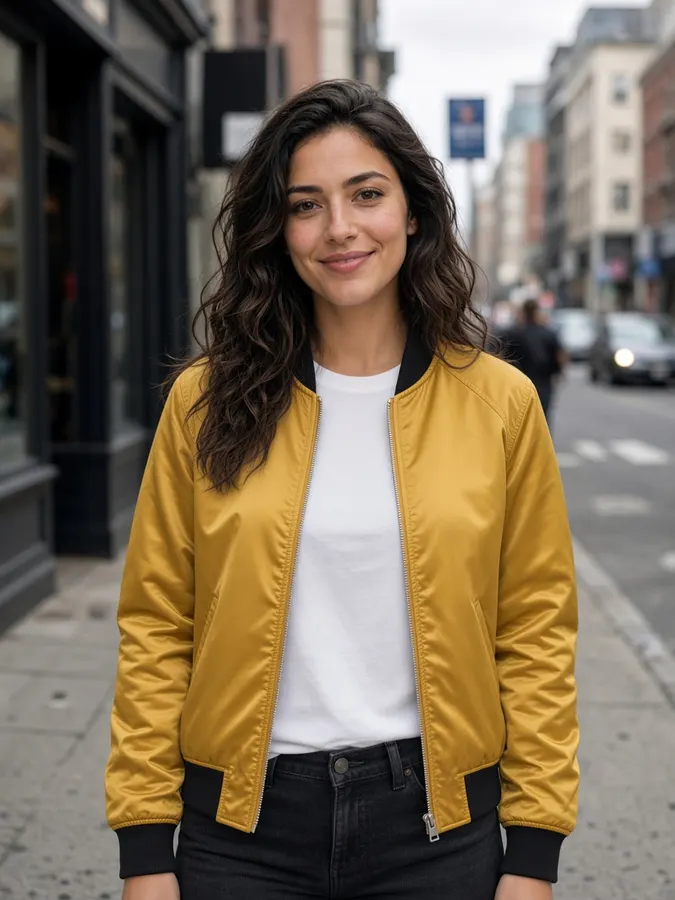
Explore toolImageAI Virtual Try-On
Dress a model in any outfit
Explore tool Video
VideoAI Talking Avatar Generator
Make any face speak your script
Explore tool Image
ImageAI Image Extender
Extend images to fit any format
Explore tool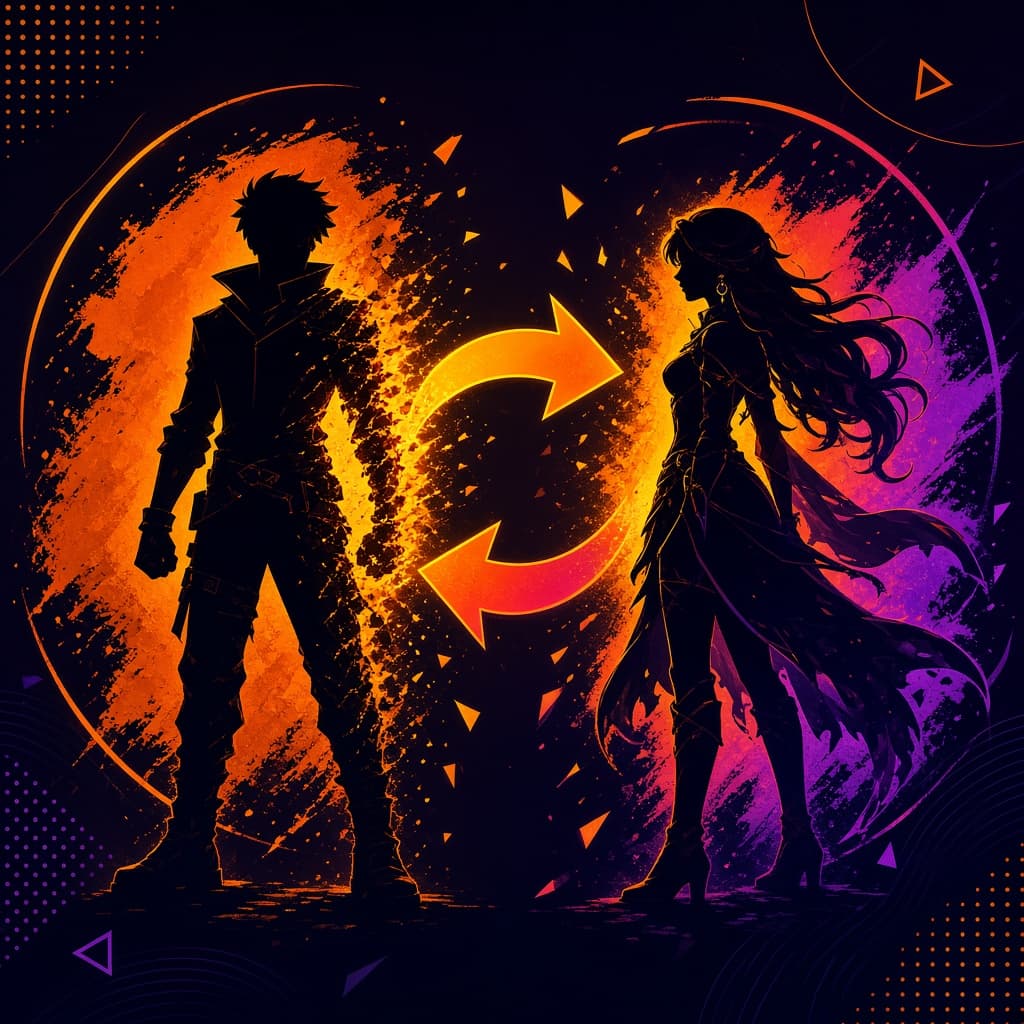 Video
VideoAI Character Replacement
Recast the whole character in a clip
Explore tool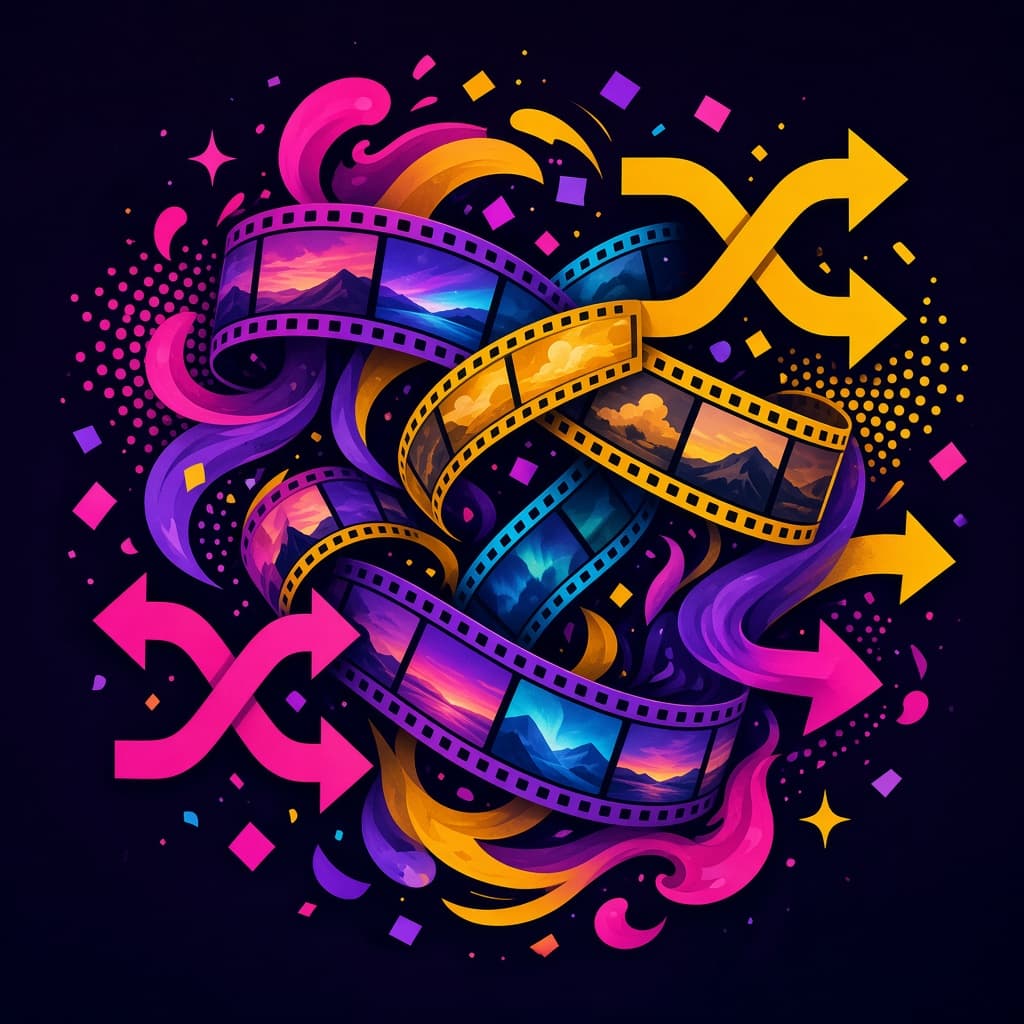 Video
VideoAI Video Remix
Reimagine a shot with a new prompt
Explore toolTemplates
Start from a proven prompt
AI Video
Created with Vidiograph
Models
Top AI models. One platform.
 Video
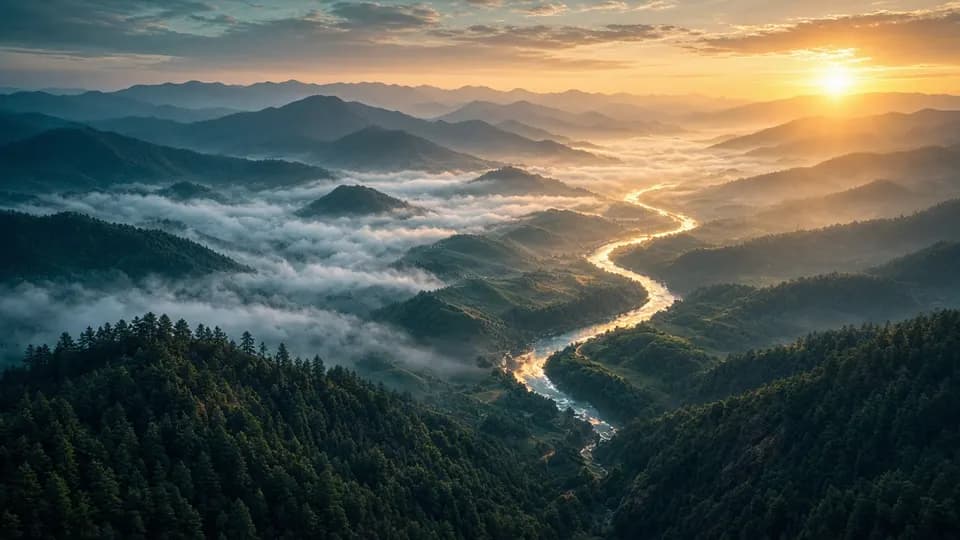
VideoGoogle Veo 3.1
Explore model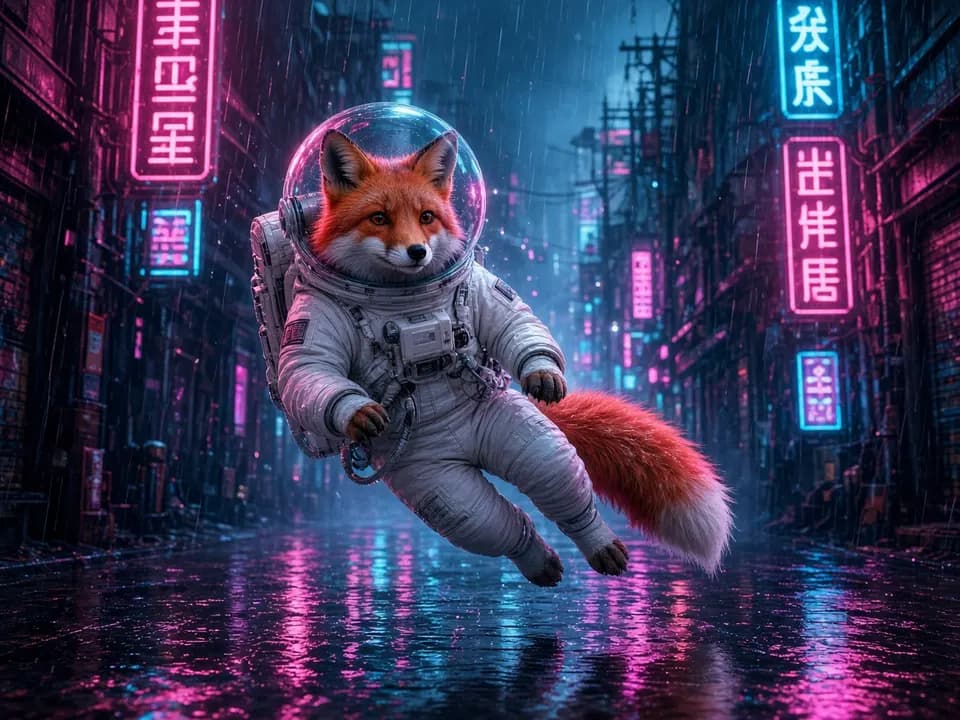 Video
VideoGoogle Veo 3.1 Fast
Explore model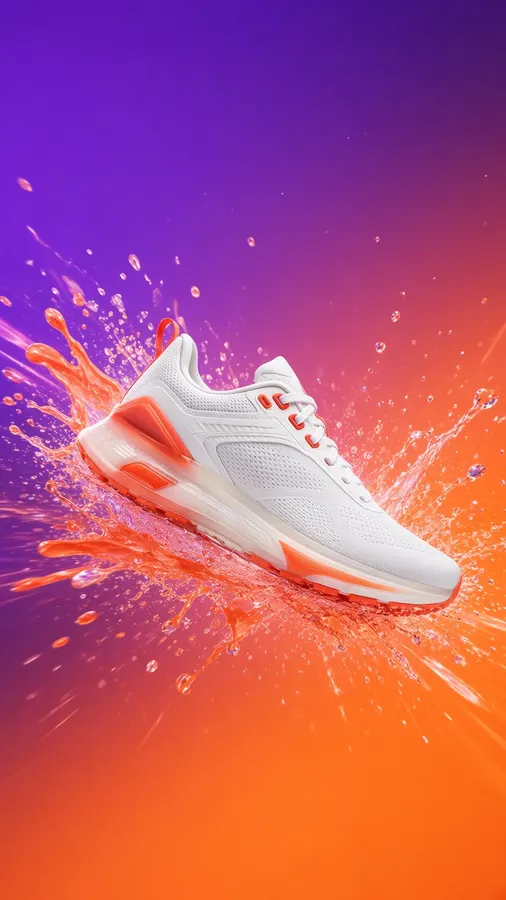 Video
VideoRunway
Runway Gen 4.5
Explore model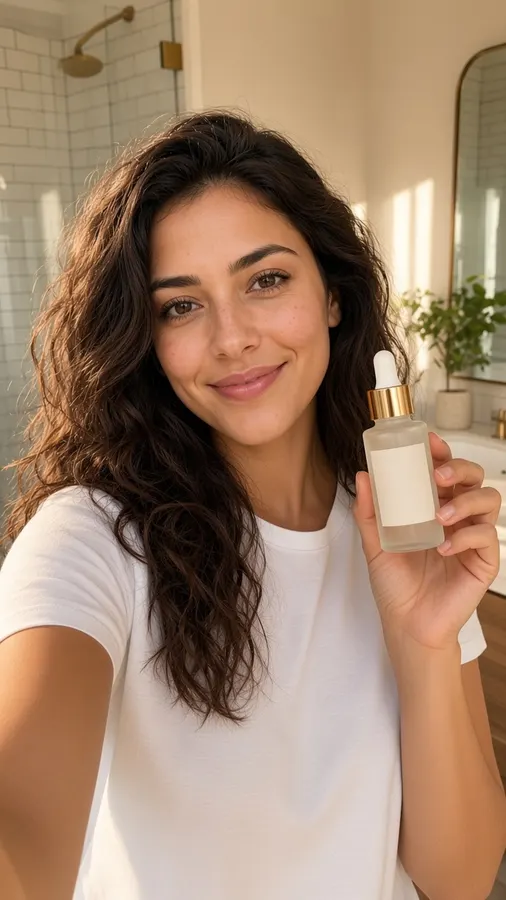 Video
VideoKling
Kling 2.6
Explore model Video
VideoKling
Kling 2.5
Explore model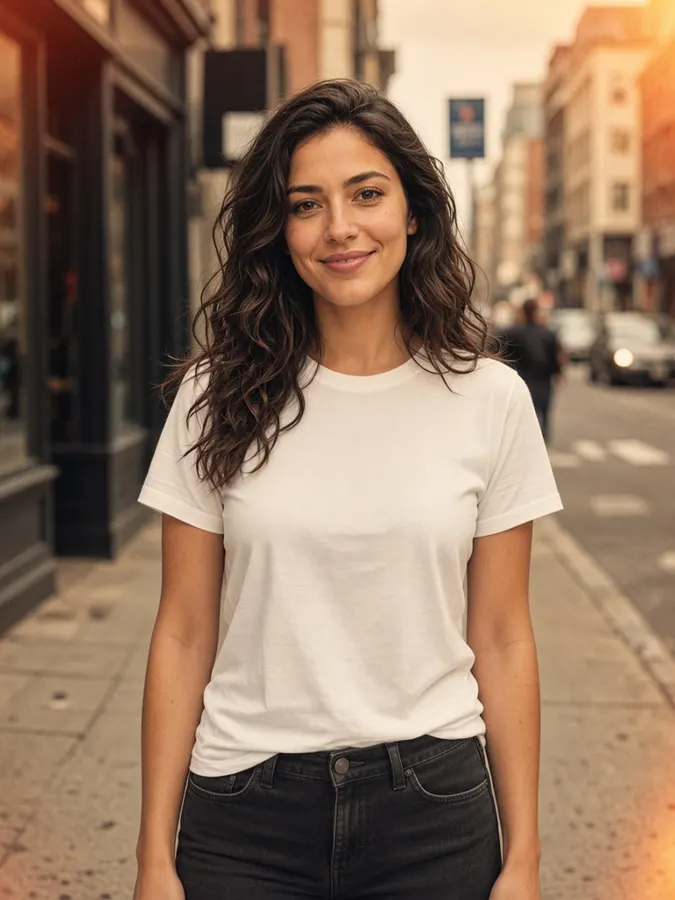 Video
VideoByteDance
SeedDance Pro
Explore model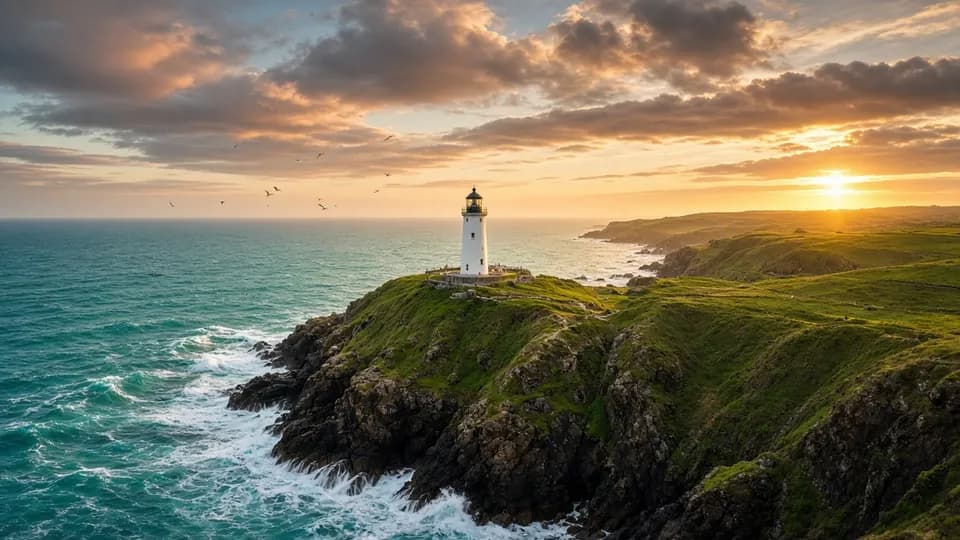 Video
VideoVidu
Vidu Reference
Explore model Video
VideoD-ID
D-ID Talking Avatar
Explore modelFAQ
Frequently asked questions
What is Vidiograph Creative?
Vidiograph Creative is an all-in-one AI studio for images, videos, designs and voiceovers. Make product ads, social content, short films or full series with reusable characters and products, without editing software or a design background.
Can I use what I create for my business?
Yes. You can use your creations in ads, on social media, in client work and in your own products, in line with our Terms of Service. Only upload faces, products and brands you have the right to use.
Can I keep the same character across scenes and videos?
Yes. Save a character in Assets and it gets an @handle like @maya. Mention it in AI Image, AI Video or a production's cast and the same face and look carry through every shot. Products, props, places, styles and voices work the same way.
Will my content fit TikTok, Reels and YouTube?
Yes. Pick a platform layout such as Instagram post, Reels, TikTok, Shorts or YouTube thumbnail and Vidiograph renders in the right aspect ratio: vertical, square or widescreen.
Do I need AI or video editing experience?
No. Describe what you want in plain words and pick a mode. Every tool has a built-in guide with examples, and templates give you a proven starting prompt.
Is Vidiograph free to try?
Yes. You can sign up on the free plan and start creating with included credits. Paid plans add more credits, storage and team features.
Which AI models does Vidiograph use?
Vidiograph brings leading models into one place, including Google Veo, Kling, Runway, Seedance, Gemini Image, Flux and DALL-E. Instead of separate subscriptions, you pick the best model for each shot.
Can I make videos with talking, voiceover and sound?
Yes. Create lip-synced talking avatars from a script, add narration to any clip, and save voices to reuse across episodes and ads.
Is my work private?
Yes. Your projects and assets stay in your account and workspace, and you choose who on your team can see them.
Create without
limits
Bring your ideas to life with images, video, voice and design, all in one creative studio.