
AI Image
AI Background Changer
Keep your subject, pose and outfit untouched and put them anywhere: a beach at sunset, a clean studio or a marble product podium, with lighting matched to the new scene.
- Product photos on seasonal backdrops
- Profile and team photos
- Campaign visuals in any location
Free daily credits · No card needed
Edit prompt
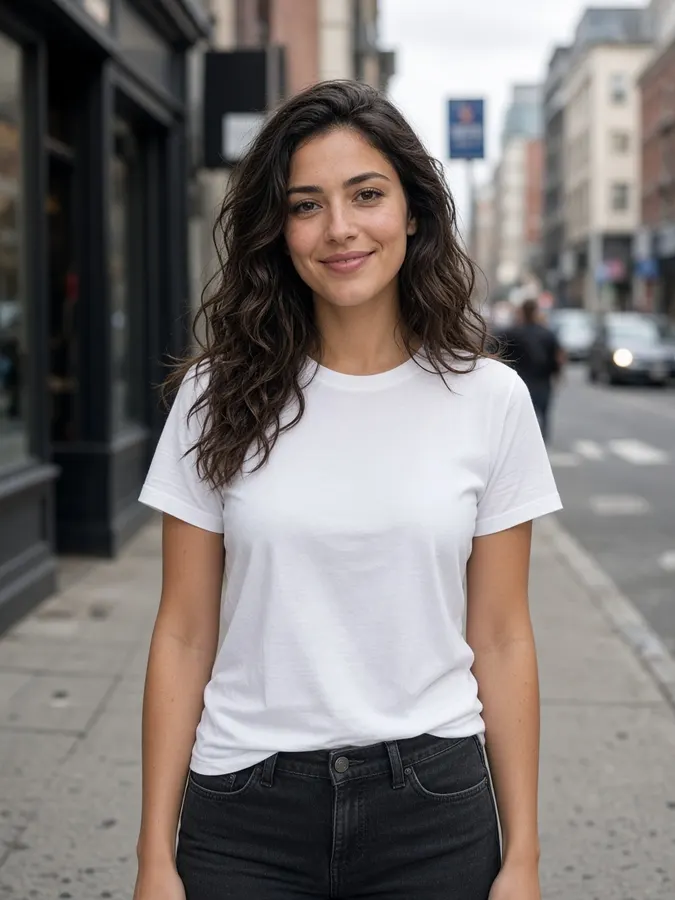

AI Background Changer
How it works
- Step 1
Add your subject
Upload a photo of a person or product, or select a canvas result.
- Step 2
Describe the backdrop
Be specific about place, time and light: “Paris café terrace at dusk”.
- Step 3
Generate
Subject, pose and outfit stay put. Lighting is matched to the new scene.
Pro tips
- Mention light direction so shadows match your subject.
- One product photo, many seasonal backdrops: perfect for campaigns.
AI Background Changer
Frequently asked questions
Does the subject stay the same?
Yes. The person or product keeps its exact shape, pose and details; only the backdrop is replaced.
Can I just remove the background?
Yes. Background removal costs 5 credits, and changing it to a new scene costs 10 credits.
Can I change the background of a video?
Yes, use the AI Video Background Changer to move a whole clip into a new environment.


Ready to create?
Start free with daily credits. Upgrade when your ideas outgrow it.