
AI Image
AI Face Swap
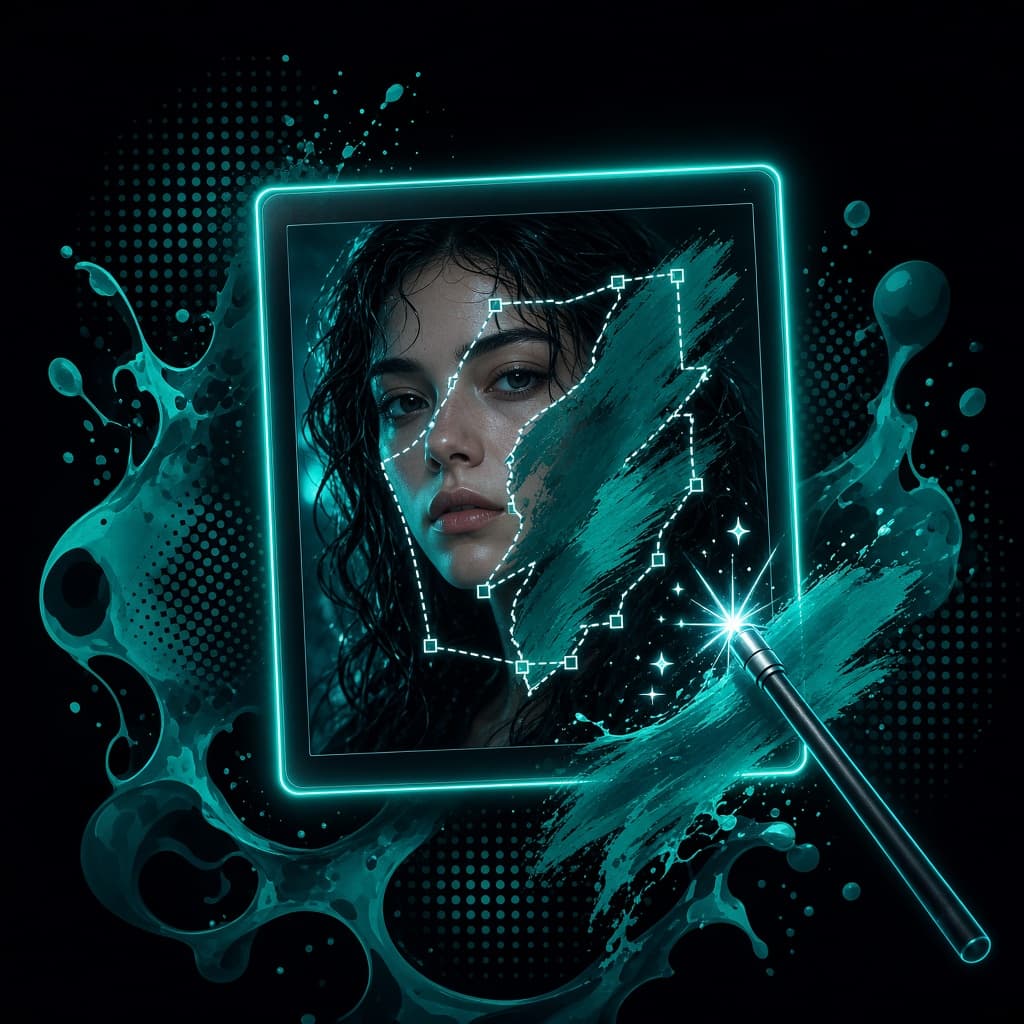
Add the photo you want to keep and a clear face photo. The AI swaps only the facial features and blends skin tone, grain and light so it reads as one real picture.
- Casting and look tests
- Localized ad creatives
- Fun personal edits
Free daily credits · No card needed
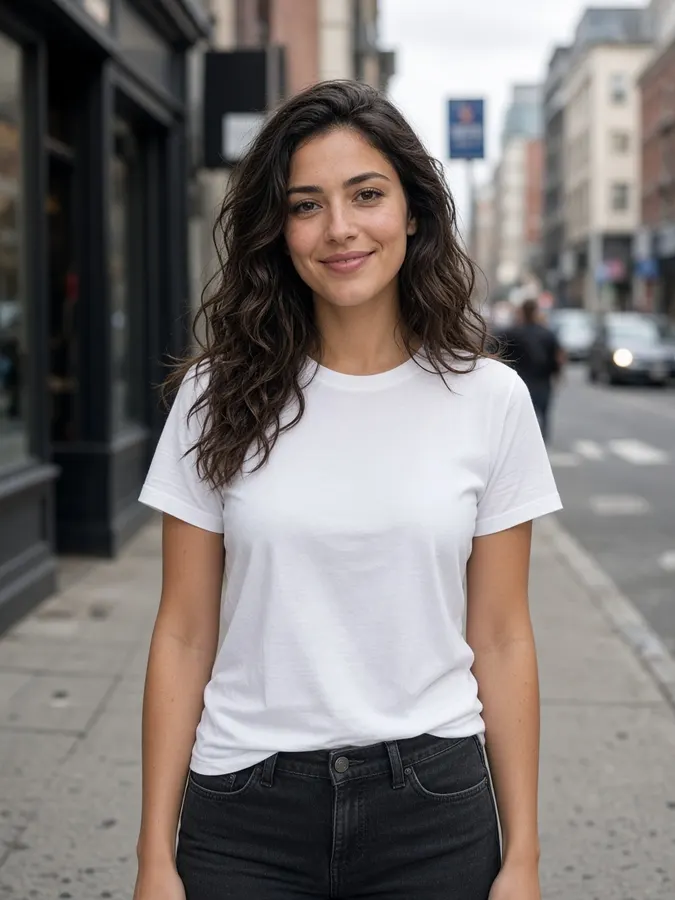 Source
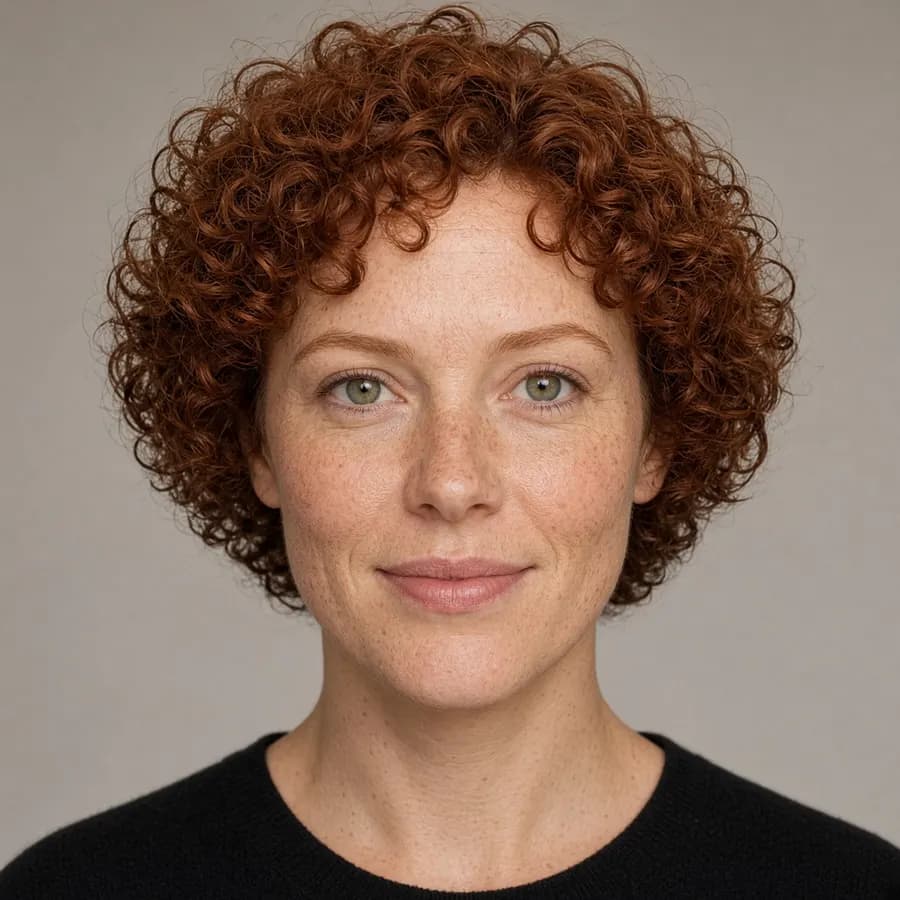 Source+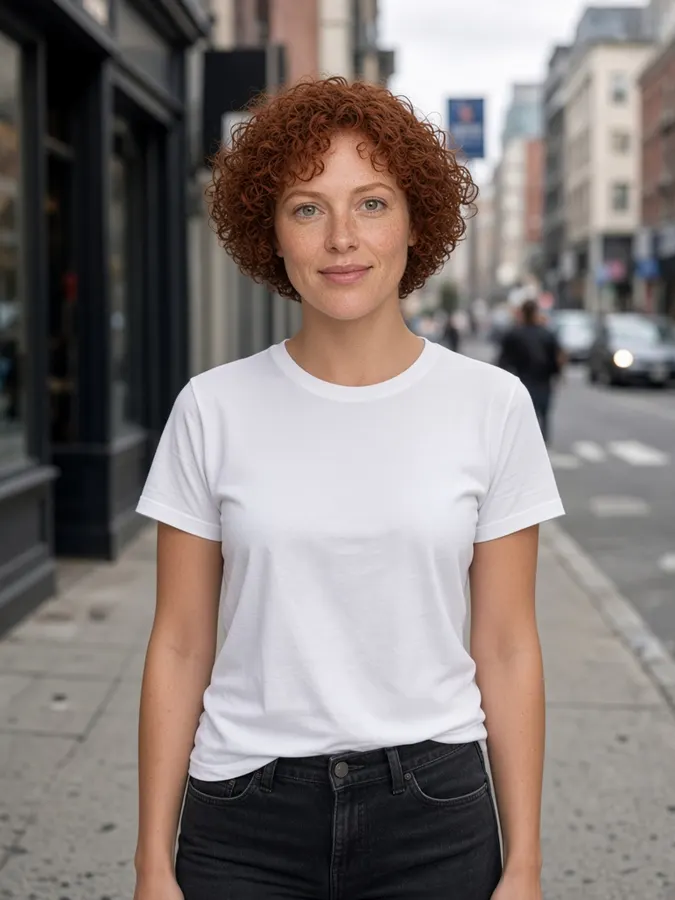
AI Face Swap
How it works
- Step 1
Add the photo
The scene and body you want to keep. Canvas results work too.
- Step 2
Add a face
A sharp, front-facing photo in good light gives the best match.
- Step 3
Swap
Skin tone, grain and lighting are blended so it reads as one photo.
Pro tips
- Avoid sunglasses, heavy shadows or side profiles in the face photo.
- Only use faces you have permission to use.
AI Face Swap
Frequently asked questions
How realistic is the face swap?
Very. The AI matches skin tone, lighting and film grain, so the new face blends into the original photo.
What face photo works best?
A sharp, front-facing photo in even light with no sunglasses or heavy shadows.
Can I swap faces in videos?
Yes, the Video Face Swap tool replaces a face across every frame of a clip.

Ready to create?
Start free with daily credits. Upgrade when your ideas outgrow it.