
AI Video
Image to Video AI
Upload a still and describe how things should move. Hair blows, rain falls, the camera pushes in. Great for product shots, portraits and AI-generated artwork.
- Animate product photos
- Bring portraits and art to life
- Turn AI images into video scenes
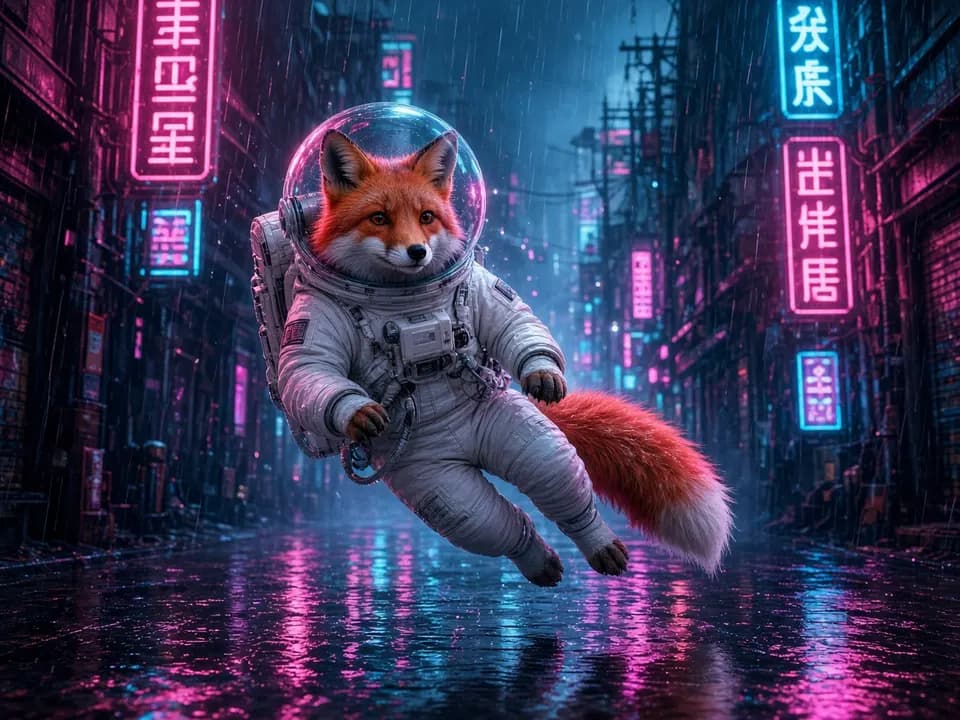
Source
ImageImage to Video AI
How it works
- Step 1
Upload the image
It becomes the first frame. Results from AI Image work great.
- Step 2
Describe the motion
What moves, and how the camera moves: “hair blows, slow push-in”.
- Step 3
Animate
Pick model, layout and length, then generate one or several takes.
Pro tips
- Small, specific motions look more real than big action.
- Use a model marked for image-to-video; the list filters automatically.
Image to Video AI
Frequently asked questions
Which images work best?
Sharp images with a clear subject. Images made with the AI Image Generator are a great starting point.
Which models support image to video?
Veo 3.1, Kling, Runway Gen 4.5, SeedDance Pro and Vidu Reference all animate images.
Can I animate a product photo?
Yes. Ask for an orbit or slow push-in and light gliding across the product for a quick ad shot.

Ready to create?
Start free with daily credits. Upgrade when your ideas outgrow it.